Home / Sign makers / Occupied sign
Occupied sign maker
For a single restroom, fitting room, phone booth, nursing room or shared office with no lock indicator.
Printed example
What to write on your occupied sign
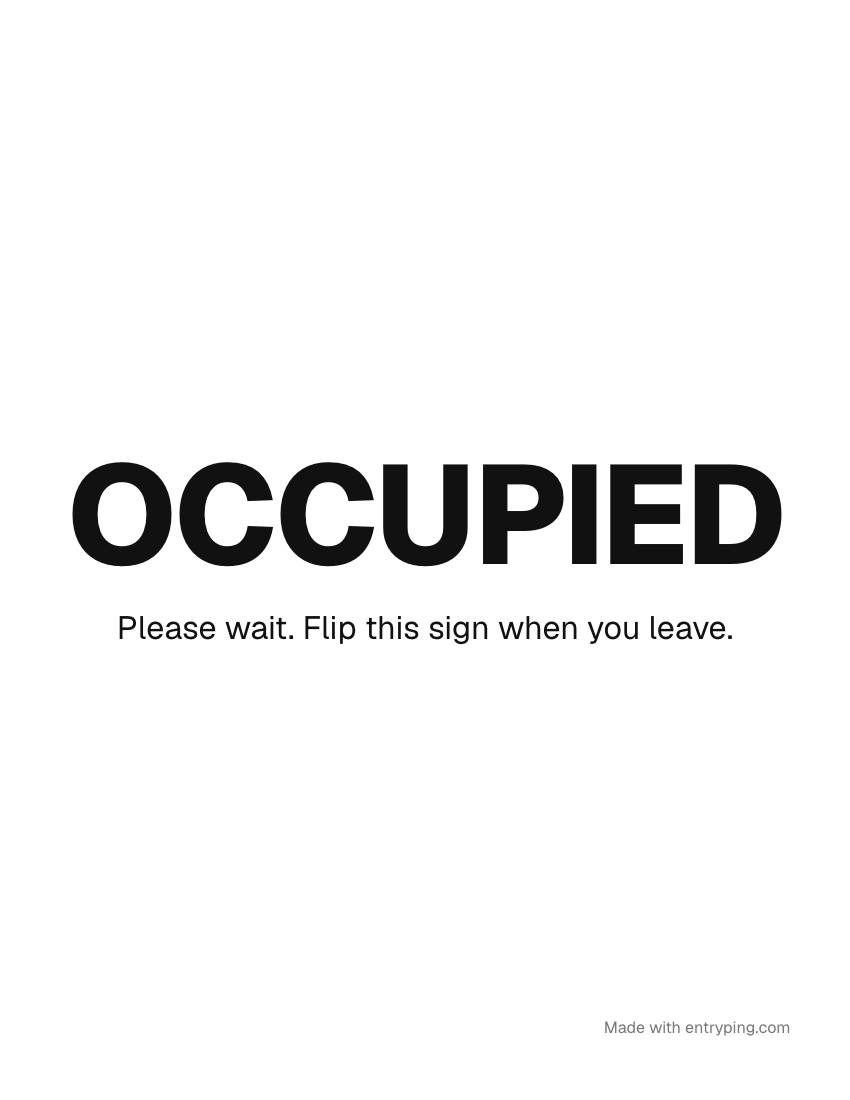
A typical occupied sign reads: “Occupied. Please wait. Flip this sign when you leave.” Change any line in the maker above, or start from one of these.
Please wait. Flip this sign when you leave.
Ask an associate for the next open room.
Nursing room. Please knock softly.
Tips
- Print two pages, "Occupied" and "Vacant", and tape them back to back on a string or a hook, so each person flips it.
- Put the flip instruction on the sign itself. People forget on the way out unless the sign reminds them.
- For a bookable room, write the time it frees up. For a restroom, leave the time off.
Change the page behind this QR from your phoneWith EntryPing, the QR code on this sign lets Pro visitors leave a request for you to acknowledge and resolve in your inbox.
- Print the sign once. When plans change, type “Back at 2:45” on your phone and the page behind the QR says it.
- Visitors get Call, Text and your hours, even when you're out.
- The code on the paper never changes and never expires.
One live page can be previewed free. Printing and visitor request handling require Pro.
Every sign live, on every door.
Print with Pro. Update the scan page from your phone, manage visitor requests in your inbox, and schedule selected holiday messages. Printed words stay unchanged.
- Up to 100 live QR pages per account
- Your logo, colors and font
- Selected holiday scan-page messages
- Visitor requests: acknowledge and resolve in your inbox
- A reserved spot on the e‑ink plate waitlist
- Open. Come on in.
- Out to lunch. Back at 1:15.
- Running late. Back at 1:45.
- Closed for Thanksgiving. Automatic.
Printed wording stays fixed. Replace the paper to change its visible message.
Questions
How do I make an occupied / vacant door sign?
Make this sign, print it, then change the main line to "Vacant" and print again. Tape the two sheets back to back, or slide them into a door hanger sleeve.