Home / Sign makers / Facebook QR code sign
Facebook QR code sign maker
Paste your Facebook page link and print a sign that sends customers straight to it.
Printed example
What to write on your facebook QR code sign
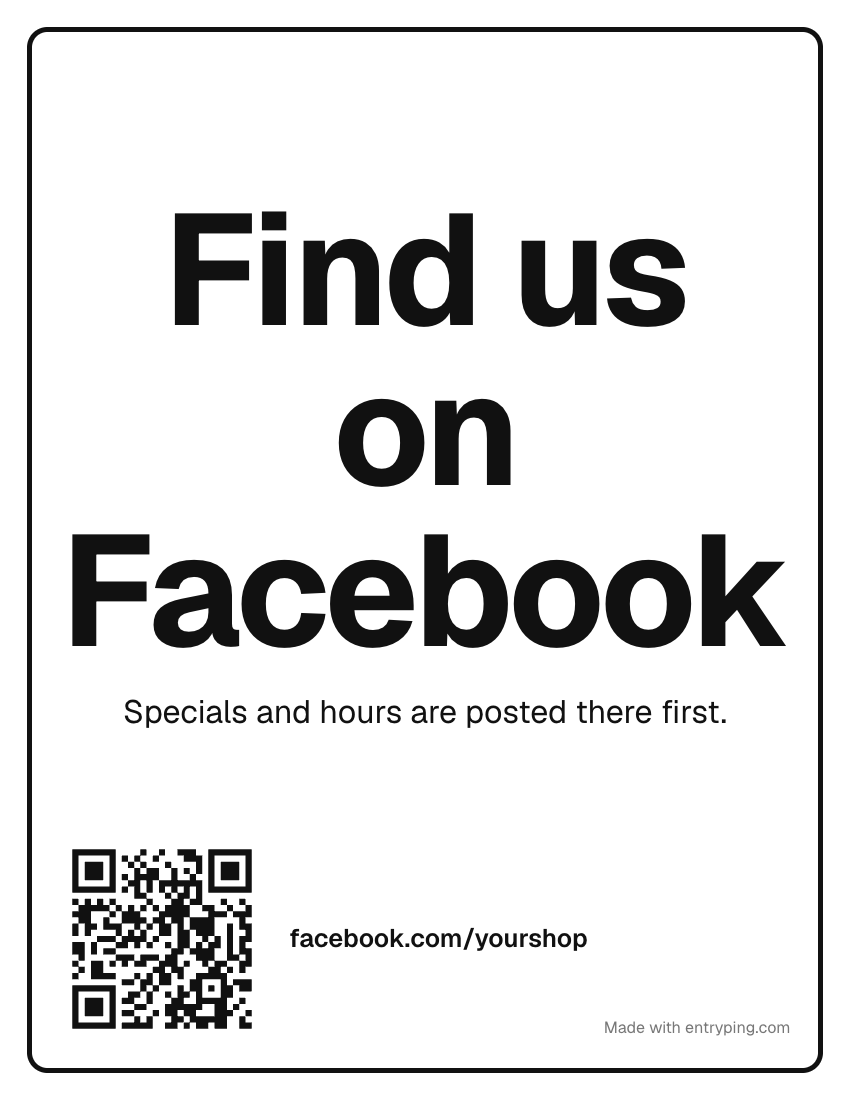
A typical facebook qr code reads: “Find us on Facebook. Specials and hours are posted there first.” Change any line in the maker above, or start from one of these.
Specials and hours are posted there first.
Scan for this week's events.
Members hear about new stock a day early.
We answer within the hour when we're open.
Tips
- Use your page's short address (facebook.com/yourshop). A short link makes a simpler code that scans from farther away. Set it under Page settings as your username.
- Give people a reason to scan. "Find us on Facebook" gets ignored. "Specials are posted there first" doesn't.
- Test the code while logged out of Facebook. If the page asks visitors to log in before showing anything, check that the page is published and public.
Change the page behind this QR from your phoneThese static codes keep their encoded destination after printing. EntryPing's live door code is different: you change what it shows from your phone, and Pro visitors can leave a request.
- Print the sign once. When plans change, type “Back at 2:45” on your phone and the page behind the QR says it.
- Visitors get Call, Text and your hours, even when you're out.
- The code on the paper never changes and never expires.
One live page can be previewed free. Printing and visitor request handling require Pro.
Every sign live, on every door.
Print with Pro. Update the scan page from your phone, manage visitor requests in your inbox, and schedule selected holiday messages. Printed words stay unchanged.
- Up to 100 live QR pages per account
- Your logo, colors and font
- Selected holiday scan-page messages
- Visitor requests: acknowledge and resolve in your inbox
- A reserved spot on the e‑ink plate waitlist
- Open. Come on in.
- Out to lunch. Back at 1:15.
- Running late. Back at 1:45.
- Closed for Thanksgiving. Automatic.
Printed wording stays fixed. Replace the paper to change its visible message.
Questions
How do I get a QR code for my Facebook page?
Copy your page's address from the browser bar, paste it into the link box above, and the code is made in your browser. Facebook does not need to approve it.
Will the Facebook QR code stop working?
This is a static code that holds your page address, so it works as long as that address does. If you rename the page and the address changes, print a new sign.