Home / Sign makers / Venmo QR code sign
Venmo QR code sign maker
A "scan to pay" sign for a counter, market stall or tip jar. Type your Venmo, Cash App or PayPal name; the code opens your profile so people can pay you.
Printed example
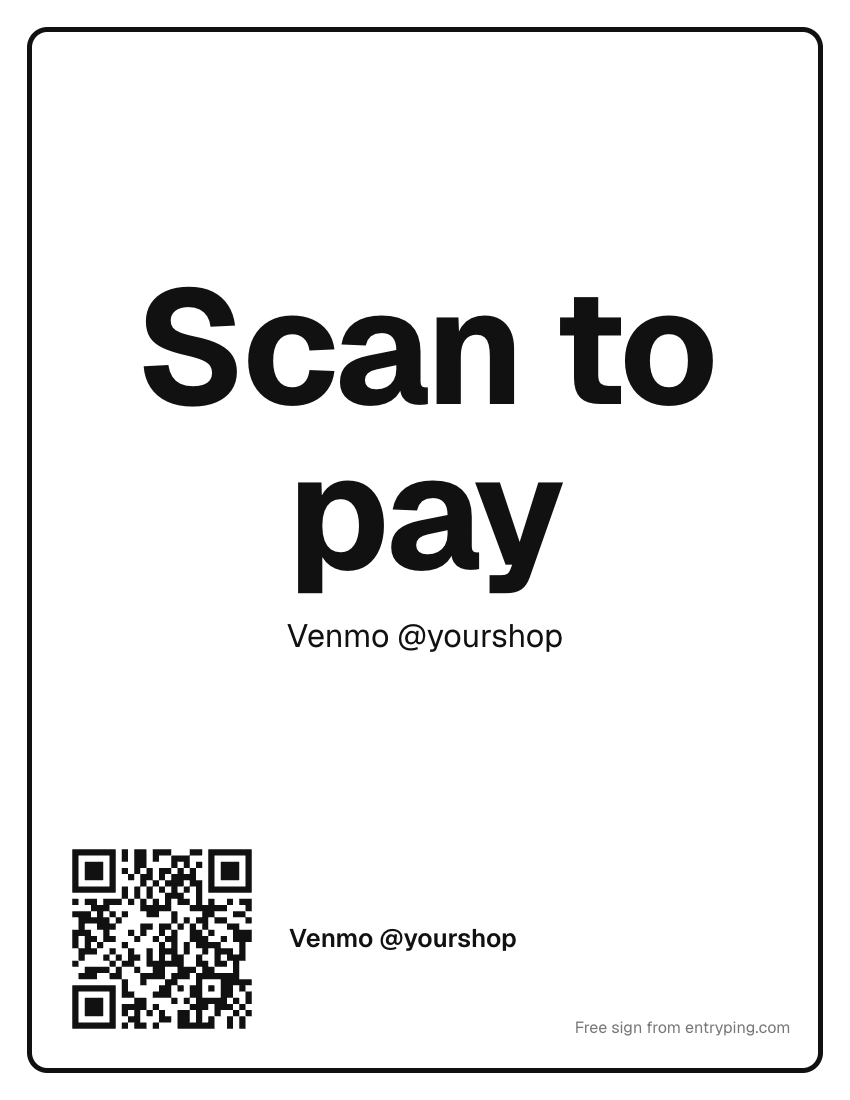
What to write on your venmo QR code sign
Venmo @yourshop
Thank you!
and cash. Card reader coming soon.
Venmo @yourname. Thank you!
Tips
- Print your handle as text too, so people can type it if their camera won't scan.
- Check the handle on your own phone before you print. One wrong letter sends money to a stranger.
- Venmo and Cash App limit personal accounts used for business sales; a business profile is the right setup for a shop.
Change the page behind this QR from your phoneThese static codes keep their encoded destination after printing. EntryPing's live door code is different: you change what it shows from your phone, and Pro visitors can leave a request.
- Print the sign once. When plans change, type “Back at 2:45” on your phone and the page behind the QR says it.
- Visitors get Call, Text and your hours, even when you're out.
- The code on the paper never changes and never expires.
One live page can be previewed free. Printing and visitor request handling require Pro.
Every sign live, on every door.
Print with Pro. Update the scan page from your phone, manage visitor requests in your inbox, and schedule selected holiday messages. Printed words stay unchanged.
- Up to 100 live QR pages per account
- Your logo, colors and font
- Selected holiday scan-page messages
- Visitor requests: acknowledge and resolve in your inbox
- A reserved spot on the e‑ink plate waitlist
- Open. Come on in.
- Out to lunch. Back at 1:15.
- Running late. Back at 1:45.
- Closed for Thanksgiving. Automatic.
Printed wording stays fixed. Replace the paper to change its visible message.
Questions
How do I make a Venmo QR code sign?
Choose Venmo, type your username without the @, and print. The code opens venmo.com/u/yourname, which shows your profile in the Venmo app.
Can I put Venmo and Cash App on one sign?
Each code opens one app. Make the sign for your main app and add the other handle as text in the details line.