Home / Sign makers / Holiday hours sign
Holiday hours sign maker
List your holiday closings and short days on one sign. Edit the dates, then print.
Printed example
What to write on your holiday hours sign
Holiday hours
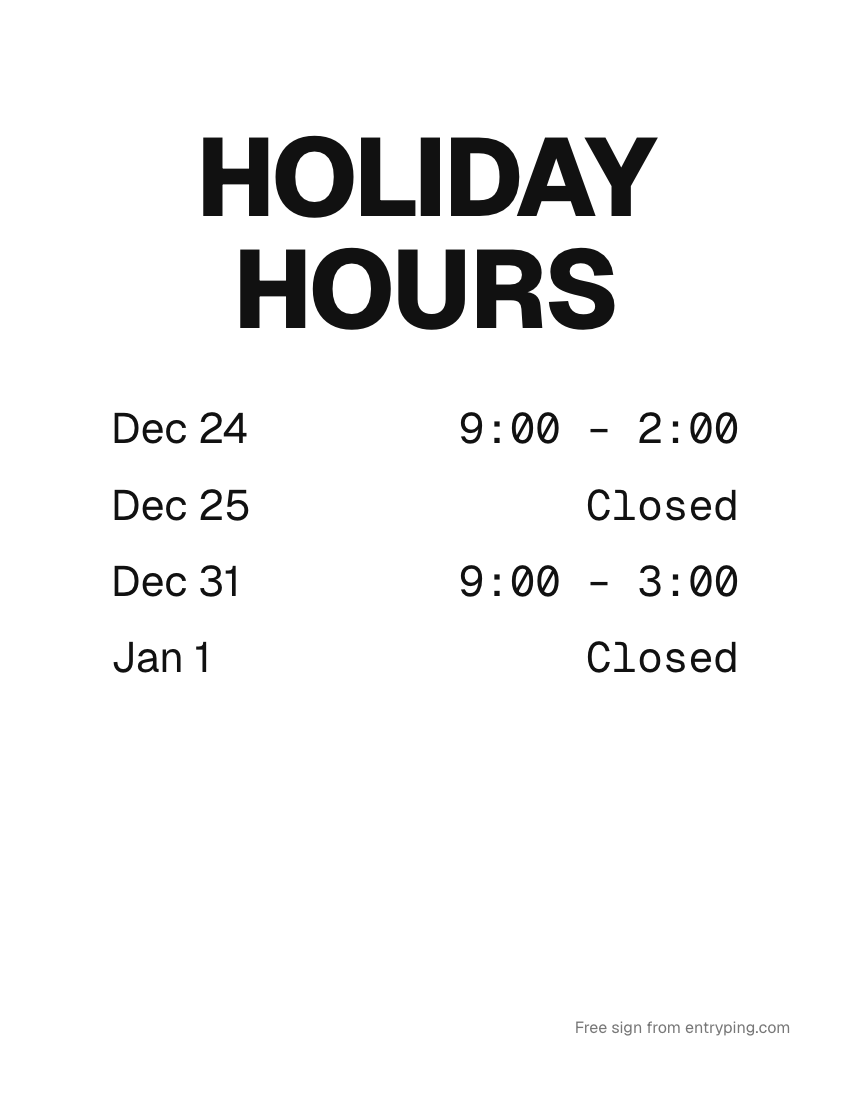
Dec 24 9:00 – 2:00 Dec 25 Closed Dec 31 9:00 – 3:00 Jan 1 Closed
Thanksgiving hours
Wed 9 – 4 Thu Closed Fri 10 – 6
Closed for the holidays
Dec 24 – Jan 1 Back Friday, Jan 2
Tips
- Post holiday hours two weeks before the first changed day.
- Enter the same dates as special hours in Google Business Profile. Google shows a warning like "Holiday hours may differ" when you don't.
Change the page behind this QR from your phoneHours change. Paper doesn't. With EntryPing, the QR code on this sign opens a page you update from your phone, so scanners see the updated information even though paper stays fixed.
Your shop
Right now
Updated just now
Closed today
Open tomorrow at 9.
CallText
- Print the sign once. When plans change, type “Back at 2:45” on your phone and the page behind the QR says it.
- Visitors get Call, Text and your hours, even when you're out.
- The code on the paper never changes and never expires.
One live page can be previewed free. Printing and visitor request handling require Pro.
Pro · $9 a month
Every sign live, on every door.
Print with Pro. Update the scan page from your phone, manage visitor requests in your inbox, and schedule selected holiday messages. Printed words stay unchanged.
- Up to 100 live QR pages per account
- Your logo, colors and font
- Selected holiday scan-page messages
- Visitor requests: acknowledge and resolve in your inbox
- A reserved spot on the e‑ink plate waitlist
Start Proor $90 a year · cancel any time
- Open. Come on in.
- Out to lunch. Back at 1:15.
- Running late. Back at 1:45.
- Closed for Thanksgiving. Automatic.
Printed wording stays fixed. Replace the paper to change its visible message.
Questions
When should I post holiday hours?
Around two weeks before the first changed day, and update Google special hours at the same time.